> For the complete documentation index, see [llms.txt](https://docs.parallels.com/landing/llms.txt). Markdown versions of documentation pages are available by appending `.md` to page URLs; this page is available as [Markdown](https://docs.parallels.com/landing/pdfm-ug/v27-ja-jp/parallels-desktop-for-mac-27-yzzugaido/parallels-desktop-tomashin/parallels-desktop-huan-jing-she-ding/parallels-toolbox.md).
# Parallels Toolbox
**Parallels Desktop** のお客様は **Parallels Toolbox** の無償サブスクリプションを利用できます。毎日のタスクを大幅に簡素化するツールのセットです。
{% hint style="info" %}
**注**: App Store エディションの **Parallels Desktop** には、**Parallels Toolbox** の無料サブスクリプションは付属していません。スタンダードエディションと App Store エディションの違いについては、こちらの[リンク](https://kb.parallels.com/123796)を参照してください。
{% endhint %}
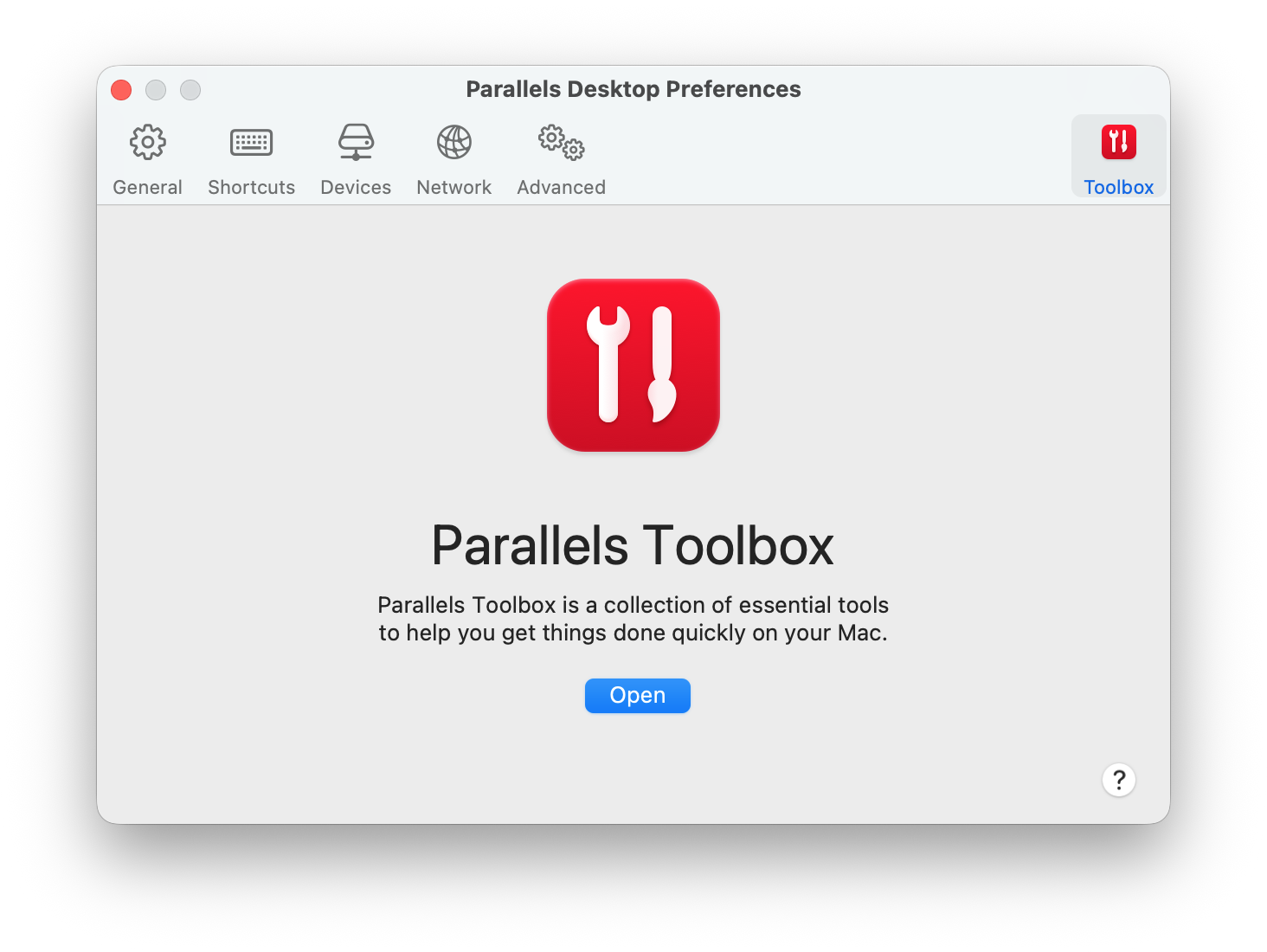
**\[Toolbox]** タブから、Mac に Parallels Toolbox をインストールできます。これらの環境設定を開くには、**\[Parallels Desktop]** > **\[環境設定]** を選択し、**\[Toolbox]** をクリックします。
Parallels Toolbox がインストールされていない場合は、**\[インストール]** をクリックします。Parallels Toolbox がすでにインストールされている場合は、**\[開く]** をクリックして、ツールのリストを開きます。
Parallels Toolbox を使えば、多数の機能をワンクリックで実行できます。
* インターネットからビデオをダウンロード、
* スクリーンショットを取得、
* 画面を録画、
* 音声を録音、
* マイクをミュート、
* カメラを無効にする、
* その他多数の機能
Parallels Toolbox について詳しくは、Parallels Toolbox の [Web ページ](https://www.parallels.com/products/toolbox/)を参照してください。
---
# Agent Instructions
This documentation is published with GitBook. GitBook is the documentation platform designed so that both humans and AI agents can read, navigate, and reason over technical content effectively. Learn more at gitbook.com.
## Querying This Documentation
If you need additional information that is not directly available in this page, you can query the documentation dynamically by asking a question.
Perform an HTTP GET request on the current page URL with the `ask` query parameter, and the optional `goal` query parameter:
```
GET https://docs.parallels.com/landing/pdfm-ug/v27-ja-jp/parallels-desktop-for-mac-27-yzzugaido/parallels-desktop-tomashin/parallels-desktop-huan-jing-she-ding/parallels-toolbox.md?ask=&goal=
```
`ask` is the immediate question: it should be specific, self-contained, and written in natural language.
`goal` is optional and describes the broader end goal you are ultimately trying to accomplish on behalf of the user. GitBook uses it to tailor the answer towards what is most useful for that goal.
The response will contain a direct answer to the question and relevant excerpts and sources from the documentation.
Use this mechanism when the answer is not explicitly present in the current page, you need clarification or additional context, or you want to retrieve related documentation sections.