# Active Directory Domain Services

A healthy running Active Directory Domain Services (ADDS) or Azure Active Directory Domain Services (AADDS) must to be in place. Preferably with synchronization to Entra ID, which is a requirement to deploy the Azure Virtual Desktop integration as part of this deployment. The domain controllers must be accessible via the Virtual Network you select to allow Domain Services communication. For more information about creating Domain Controller in Azure, see [Virtualized Domain Controller Deployment and Configuration](https://learn.microsoft.com/en-us/windows-server/identity/ad-ds/get-started/virtual-dc/virtualized-domain-controller-deployment-and-configuration).&#x20;

To configure Active Directory Domain Services:

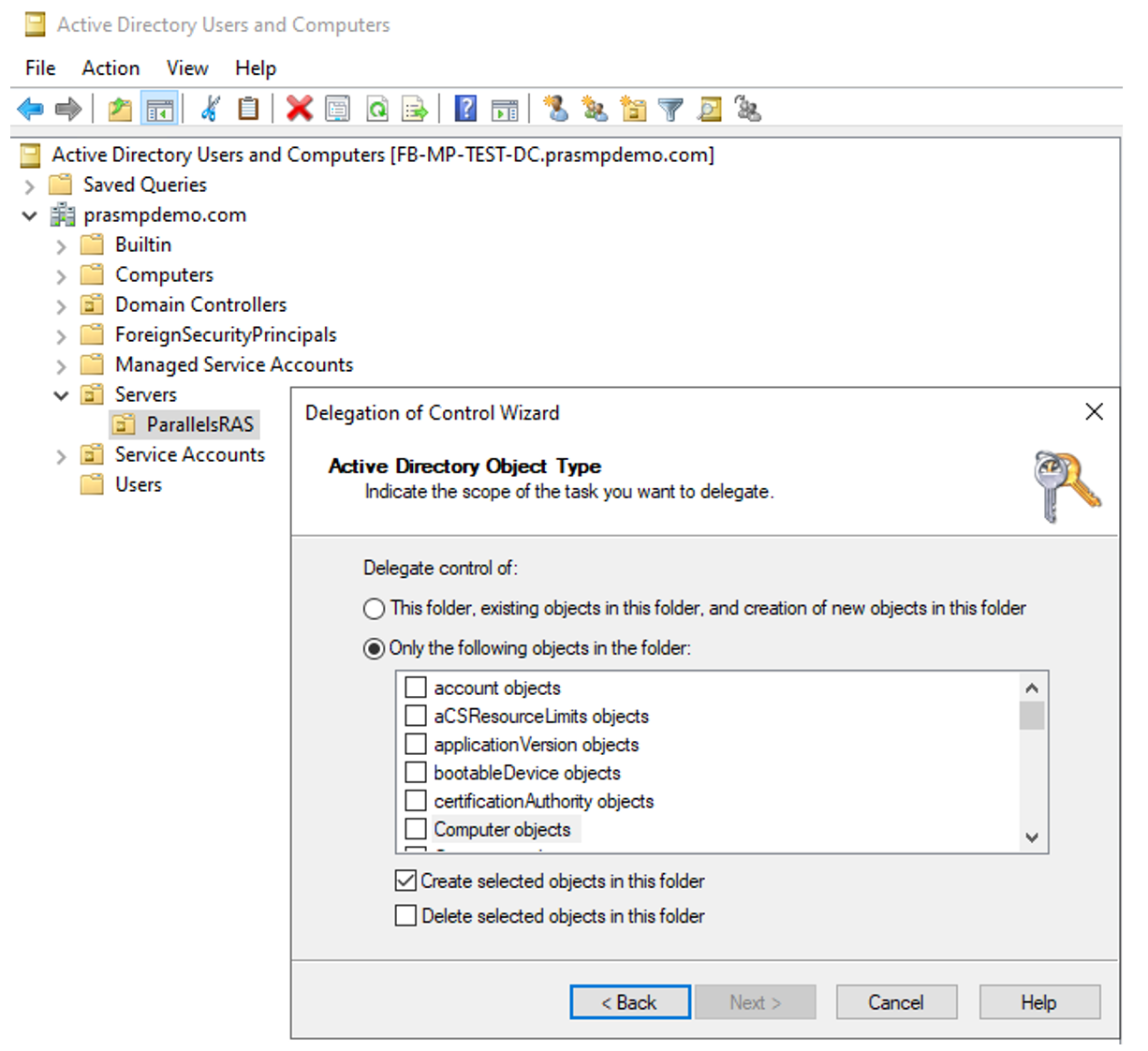
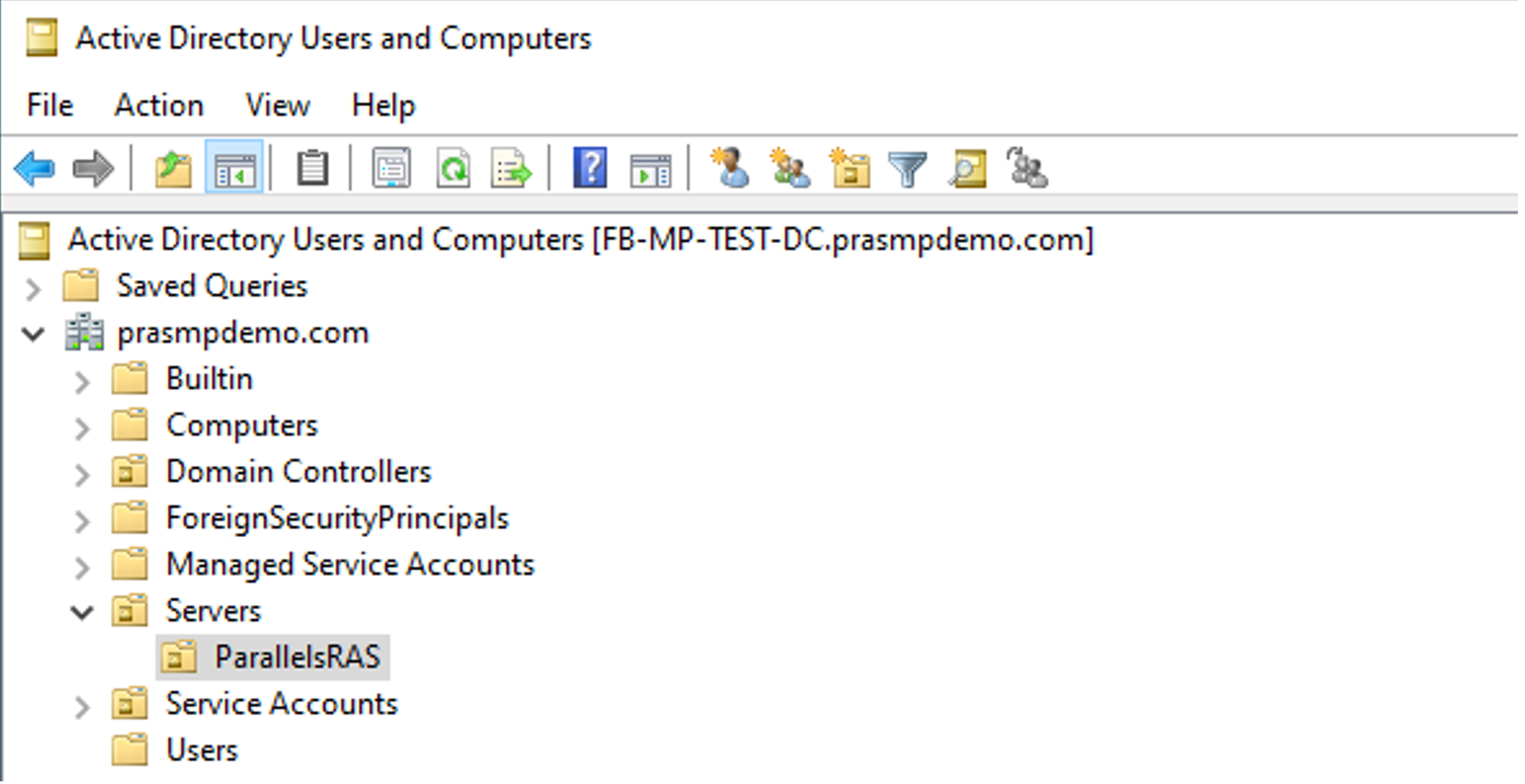
1. Create an organizational unit where the Parallels RAS infrastructure servers will be joined to. &#x20;

<figure><img src="/files/k4TZOSHeOLgTyL7FGDPp" alt=""><figcaption><p>Figure 4. Example of an OU structure to house the RAS infrastructure servers.</p></figcaption></figure>

2. Create an account with permission to join computers to the domain. The suggested account name is <domainjoin@contoso.com>.&#x20;

<figure><img src="/files/1XGycljVvis0tkKdKSqm" alt=""><figcaption><p>Figure 5. Example of configuring permissions to add machines</p></figcaption></figure>

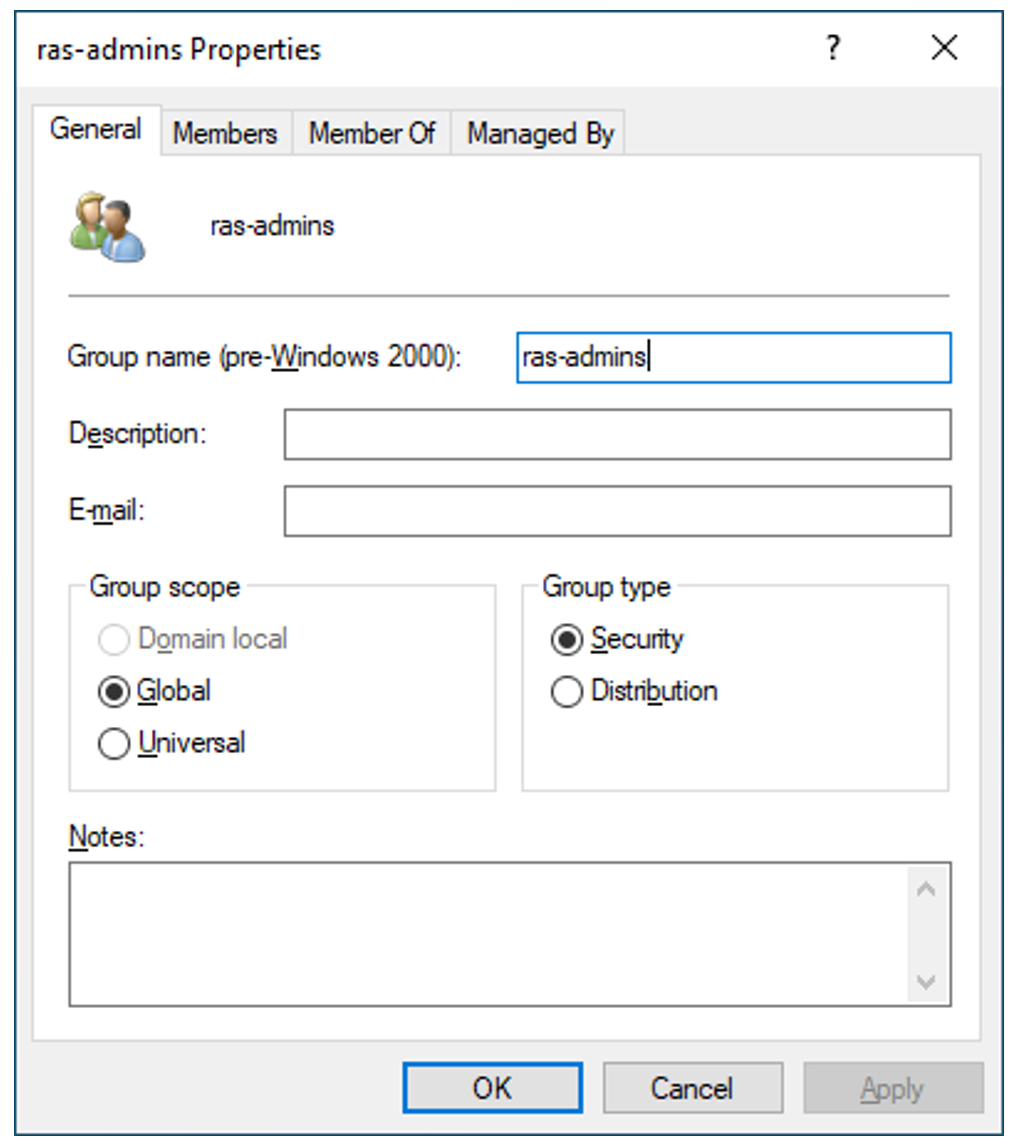
3. Create a Security Group and add the administrator accounts to it that will manage and maintain Parallels RAS. This group can be expanded later. The suggested group name is <ras-admins@prasmpdemo.com>.&#x20;

<figure><img src="/files/pbMes4K2wzqRKp0rKyvQ" alt=""><figcaption><p>Figure 6. Example of Parallels RAS security group with admin accounts</p></figcaption></figure>


---

# Agent Instructions: Querying This Documentation

If you need additional information that is not directly available in this page, you can query the documentation dynamically by asking a question.

Perform an HTTP GET request on the current page URL with the `ask` query parameter:

```
GET https://docs.parallels.com/landing/ras-azure-marketplace-deployment-guide/introduction/before-you-start/active-directory-domain-services.md?ask=<question>
```

The question should be specific, self-contained, and written in natural language.
The response will contain a direct answer to the question and relevant excerpts and sources from the documentation.

Use this mechanism when the answer is not explicitly present in the current page, you need clarification or additional context, or you want to retrieve related documentation sections.